








Linked information
Stoa maps how everything on the project links together, so its answers draw on the whole picture and you can click from one document to the next.
Every code on the sheet is live
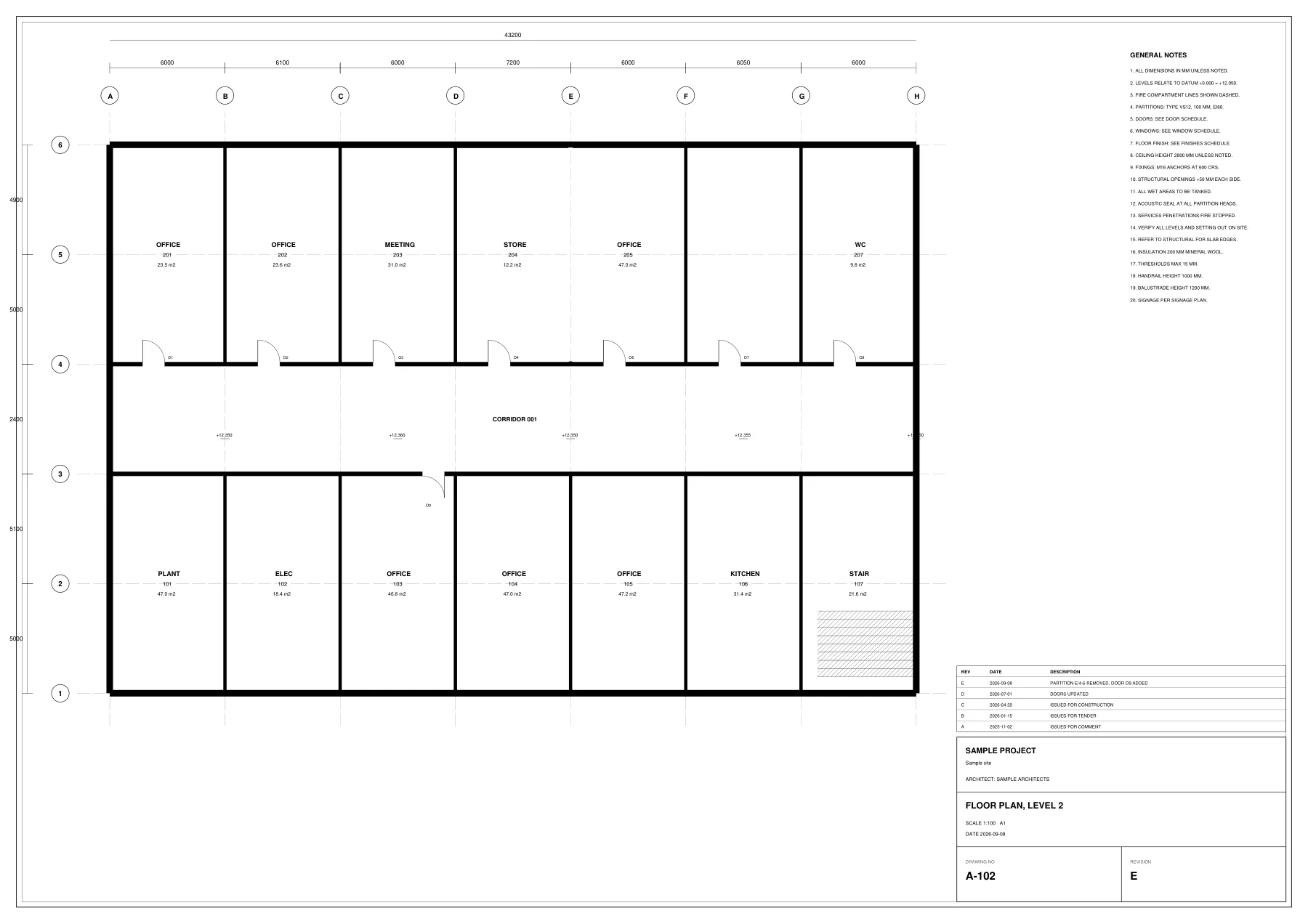
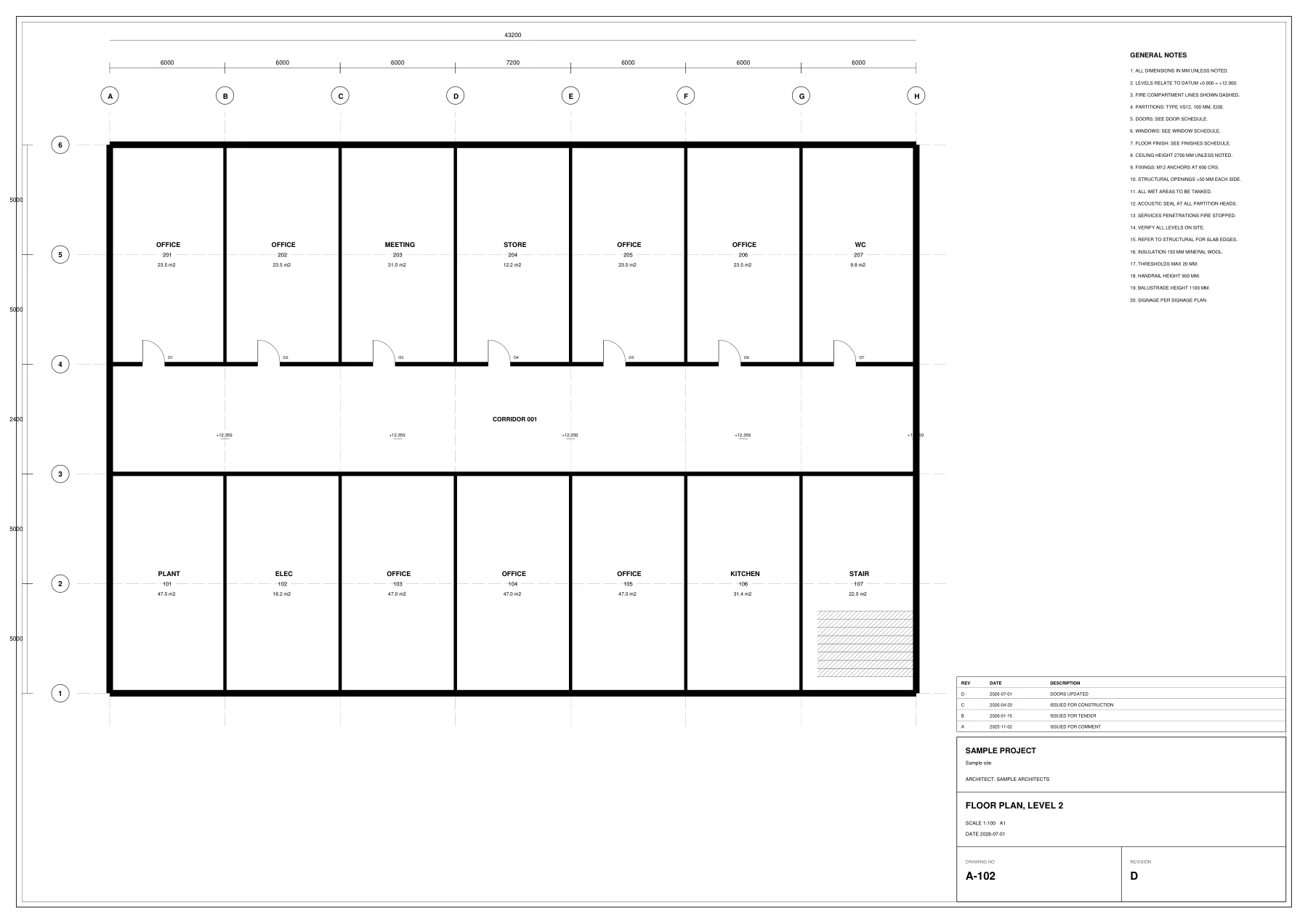
Wall types, finish codes, door tags and drawing numbers in callouts can all be clicked on the sheet.
Click a code to see everywhere it appears
Click a wall type to open the detail that defines it, the schedule that lists it and the specification clause that governs it.
The reference, open at the right place
Each result opens the document at the exact location, so you do not have to search through it.